01
Purchase orders and parts
Quality workflows
Connect purchase orders, parts and their quality requirements so the team can find the context behind each job.
See related capabilities
One Nexentis platform
From orders and inspection records to the documentation your customer receives.
Explore the quality workflows that connect your team, its evidence and its customers. The full list also introduces the functions included in the web version.
01
Quality workflows
Connect purchase orders, parts and their quality requirements so the team can find the context behind each job.
See related capabilities02
Quality workflows
Define inspection steps and required documents before work begins, giving the team a shared set of requirements.
See related capabilities03
Quality workflows
Record measurements, inspection results and notes against the relevant work, keeping the evidence easy to trace.
See related capabilities04
Quality workflows
Keep drawings and supporting quality documents connected to orders and parts instead of scattered across separate folders.
See related capabilities05
Quality workflows
Document non-conformances with their supporting evidence and keep the issue connected to its order and parts.
See related capabilities06
Quality workflows
Bring the quality documentation for a job together in a combined customer package.
See related capabilitiesExplore planning, inspection evidence, quality follow-up and documentation, plus web-version functions and optional capacity.
Explore the full feature listWeb version preview
Client and Supplier are connected workflows within one Nexentis product, with the right context for each side of your operation.
Keep client orders, parts, inspection documentation, and quality follow-ups connected to the work they belong to.
Connect supplier orders, supporting documents and quality follow-up in the same Nexentis workspace.
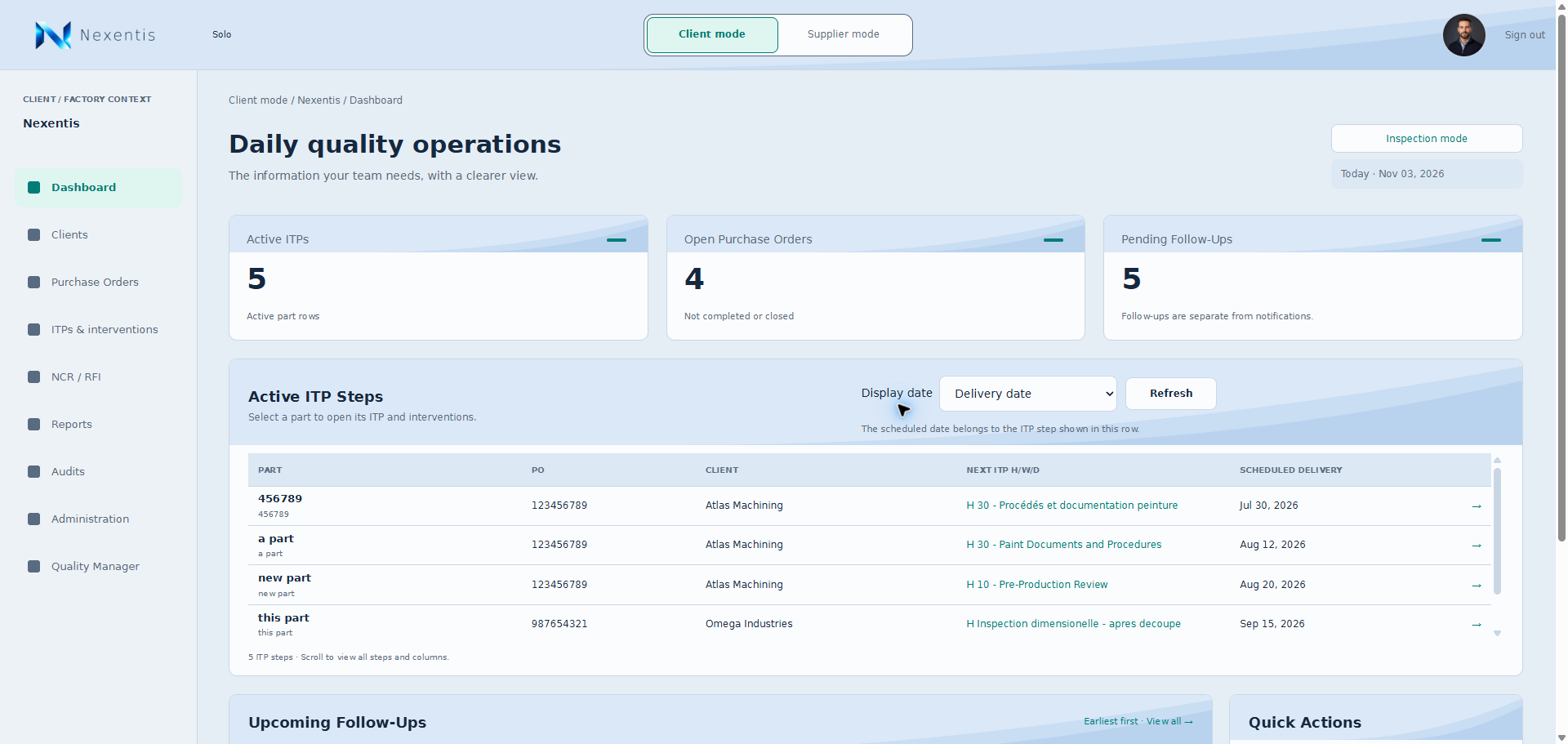
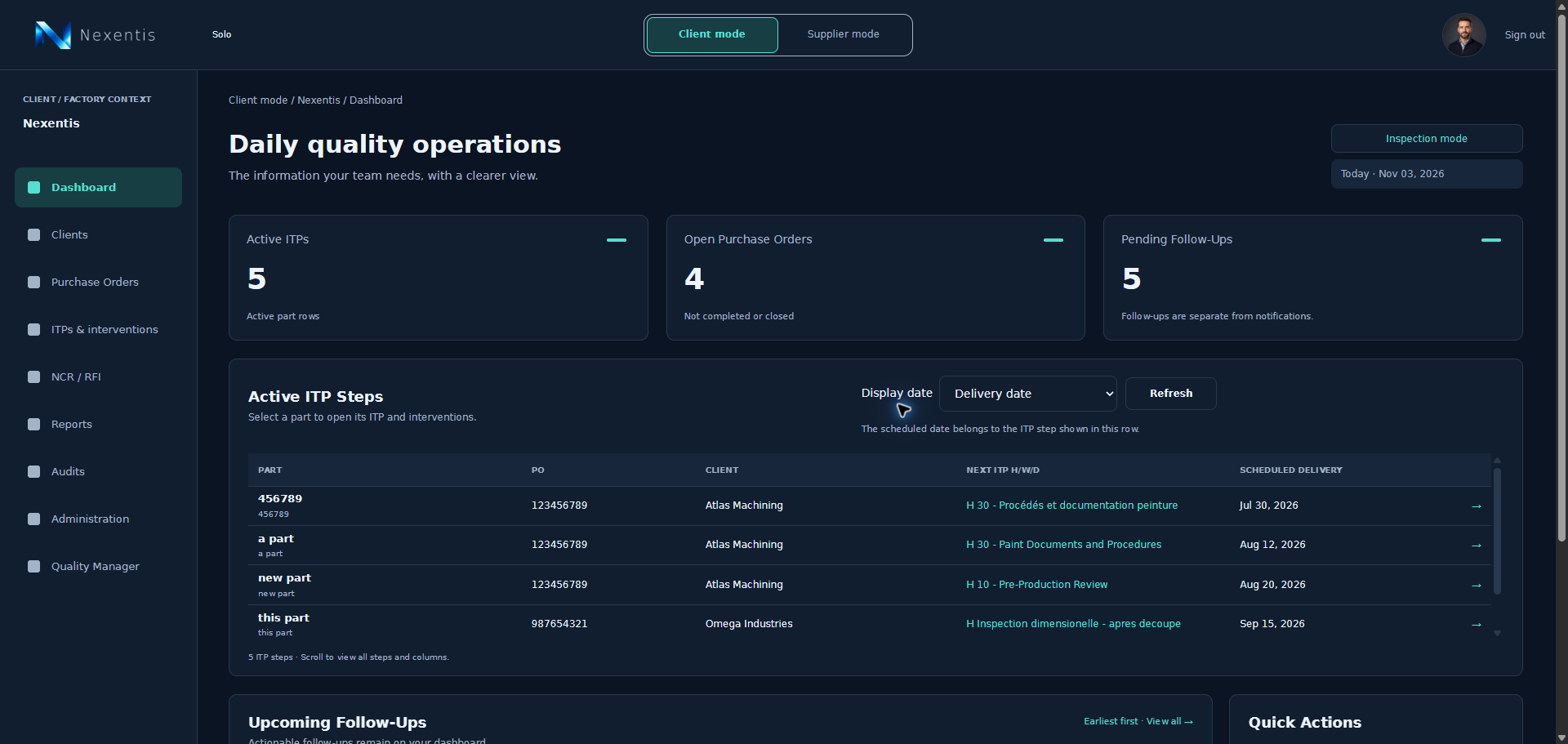
A look inside the workspace
Web version previewLight mode
Dark mode
Choose the Solo, Pro or Enterprise plan that fits your team.
View pricing